Free FPS Games You Can Play in Your Browser (No Download)
Want a real shooter without installing anything? What makes a great free browser FPS, how to get smooth FPS on any PC, and where to play right now.
Not long ago a "real" first-person shooter meant a 60 GB download, a gaming PC and a launcher you had to log in to. Today you can open a browser tab and be in a full match in under ten seconds. Browser FPS games have grown up: 3D maps, loadouts, saved progress and smooth controls on a normal laptop.
This guide explains what to look for in a free browser shooter, how to make any browser game run smoother, and why we built CraftStrike.io the way we did.
Why play FPS games in the browser?
- No download, no install. Open the page and play. Great for computers where you cannot install anything.
- Works on almost any device. Laptops, Chromebooks, older PCs, tablets and phones.
- Instant matches. No launcher, no patch day, no 20-minute updates.
- Free. The best browser shooters are free to play and earn money from optional cosmetics or ads, not paywalls.
What makes a good free browser FPS?
1. Fast loading
A browser game should be playable in seconds. If you stare at a loading bar for a minute, the game is too heavy for the web.
2. Smooth frame rate on normal hardware
A shooter lives and dies by its frame rate. Clean, simple graphics - like blocky voxel art - look great and run at high FPS on integrated graphics.
3. Real game modes
Team Deathmatch is a must, but variety keeps you coming back: Free For All, Gun Game, boss modes and fun twists like sniper-only lobbies.
4. Progress that is saved
Good browser games remember your level, coins and unlocks, ideally with a free account so your progress follows you between devices.
5. Fair monetization
Cosmetics are fine. Paying for stronger guns is not. In a fair shooter every weapon can be earned by playing.
How to get more FPS in browser games
If a browser shooter feels laggy, try these first:
- Turn on hardware acceleration. In Chrome or Edge open Settings, System, and enable Use graphics acceleration when available. Restart the browser.
- Close other tabs. Video sites and heavy web apps steal GPU and CPU time.
- Plug in your laptop. On battery, many laptops slow down the graphics chip.
- Go fullscreen. Press F11.
- Lower the in-game quality. One step down can double your frame rate.
- Update your browser. New versions often improve WebGL performance.
CraftStrike.io: a blocky FPS made for the browser
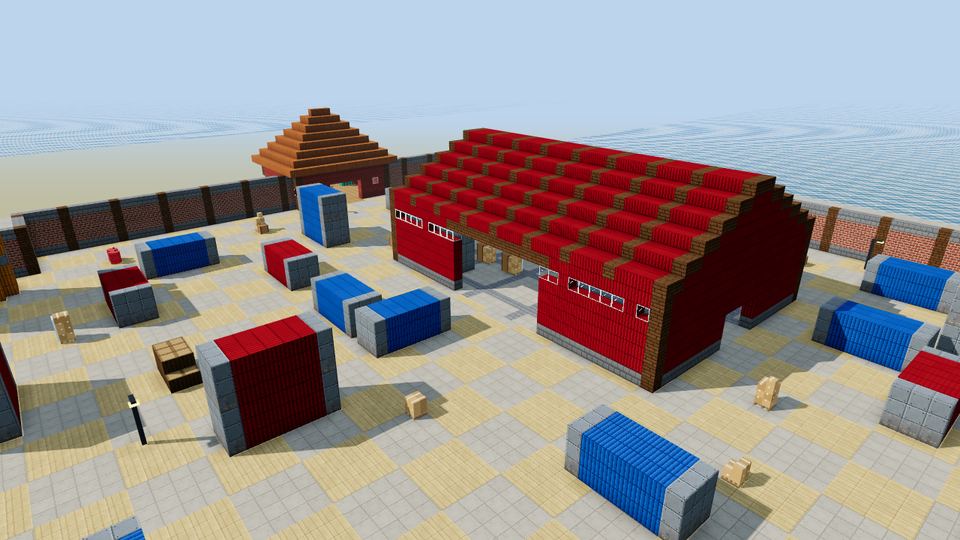
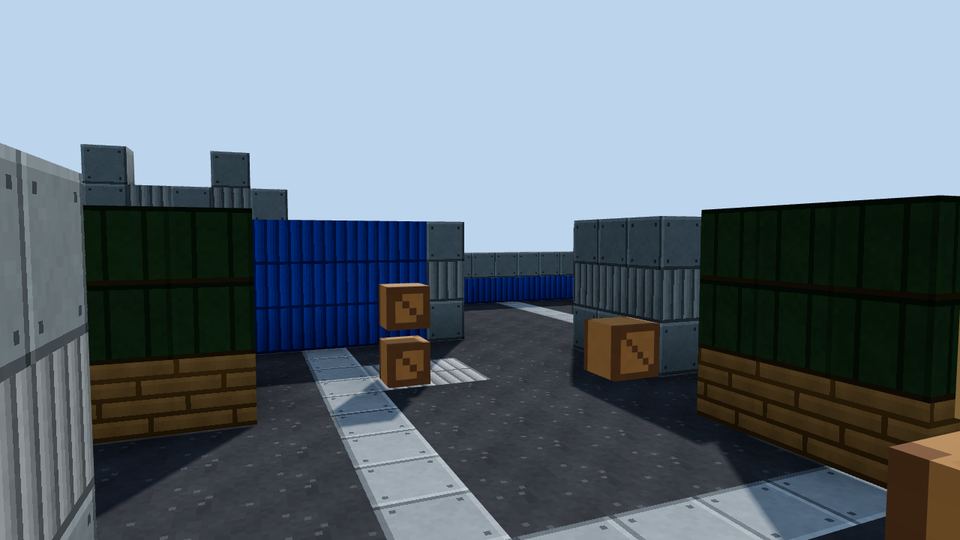
We built CraftStrike.io to be the shooter we wanted to play in a browser tab: Minecraft-style blocky worlds with the speed and feel of a classic arena FPS.
- Game modes: Team Deathmatch, Free For All, Juggernaut, Gun Game, Snipers Only and Shotgun Brawl - more on the way.
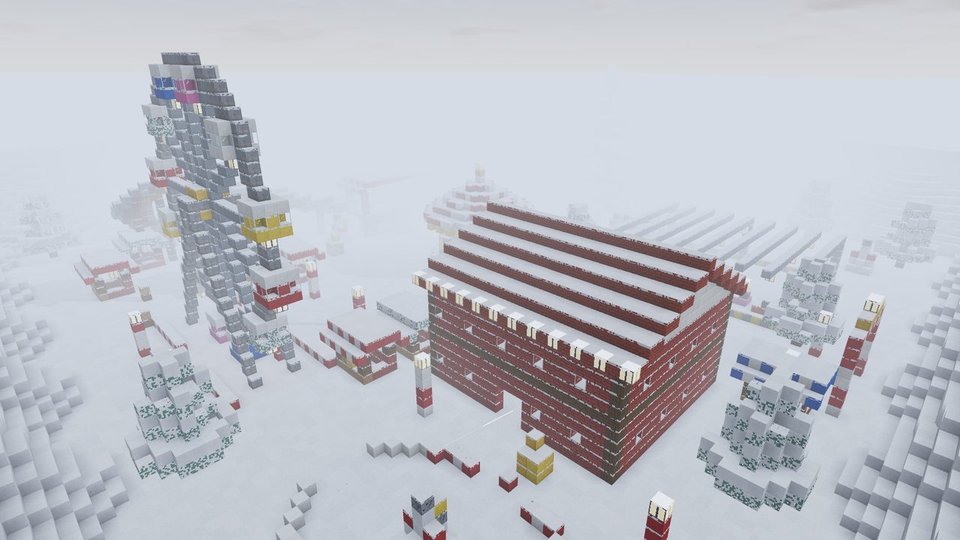
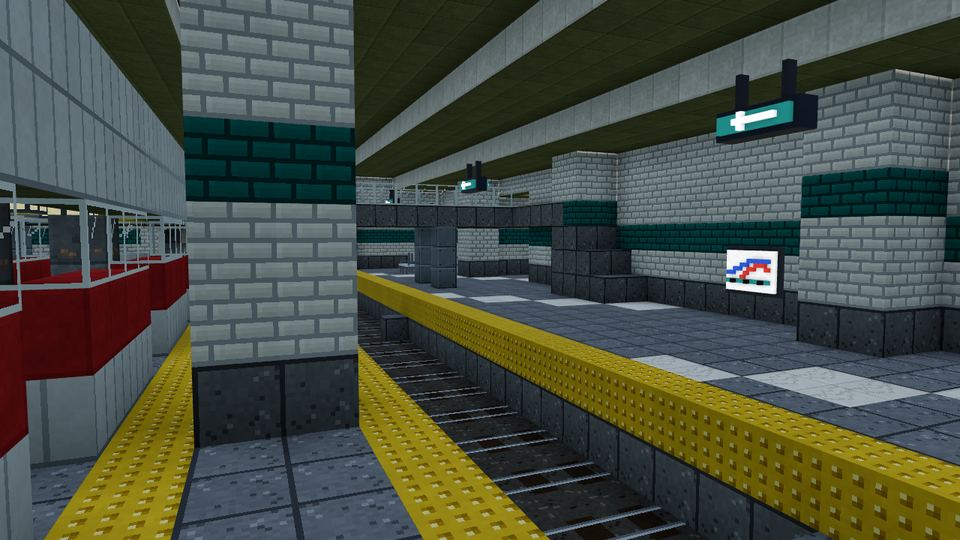
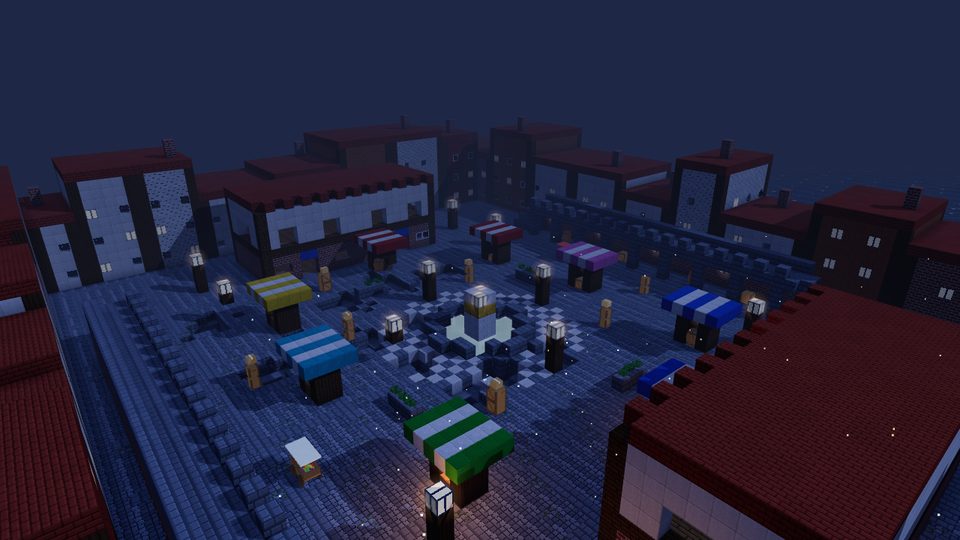
- Dozens of hand-built maps: an underground metro station, a snowbound military base, a pirate galleon, a lantern-lit night market and many more.
- Loadouts and attachments: rifles, SMGs, shotguns, snipers, pistols and heavy weapons. Every gun can be unlocked by playing.
- Build blocks mid-fight: place cover in a pinch with Q.
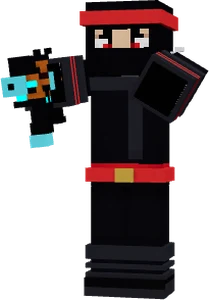
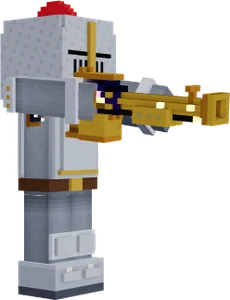
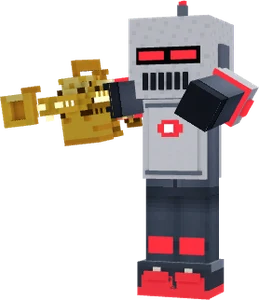
- Outfits, robots and emotes to make your character your own.
- Daily global leaderboard for XP, kills and wins.
- Plays on mobile with on-screen controls.
FAQ
Are browser FPS games really free?
Yes. Most browser shooters, including CraftStrike.io, are free to play. They earn money from optional ads or cosmetic items, not from charging for the game.
Do I need to download anything to play CraftStrike.io?
No. CraftStrike.io runs in your browser with WebGL. There is nothing to install, and you can start as a guest without an account.
Can I play browser FPS games on a Chromebook?
Yes. A well-optimized browser shooter runs on most Chromebooks. Enable graphics acceleration and close other tabs for the smoothest frame rate.
Is my progress saved?
Yes. In CraftStrike.io your progress is saved in your browser, and a free account keeps it safe and lets you play on other devices.
Keep reading